DailyWall
Write down your fixed commitments and deadlines first, then count the free hours you realistically have. Split them into focused study blocks of 25–50 minutes, give each block one subject and one concrete task, and leave one buffer slot per week. Review the plan every Sunday and keep today’s blocks somewhere you’ll see them, such as your Lock Screen.
A study planner template is only useful if it fits the week you actually have, not the week you wish you had. That’s why most printable planners end up half-empty by Wednesday: they assume seven equal days, unlimited energy and no surprises. This guide does it the other way round. You’ll build your study plan in seven steps, starting from your fixed commitments and your deadlines, and then you can copy one of five ready-made weekly templates: for high school, university, a four-week exam countdown, working students and a single focused study day. At the end you’ll see how to keep the plan in sight all week without a printer.
What a good study planner actually does
A study planner has one job: to turn “I should study more” into “Tuesday, 16:00–16:50, biology, chapter 4 questions 1–15”. The second version is specific enough that you can start without deciding anything, and that’s where most procrastination lives: in the moment of deciding what to do next.
A good weekly study planner does three more things. It protects time for the subjects you’d rather avoid. It spreads revision over several days instead of cramming, which learning research consistently shows is more effective than one long session (our study tips post covers spaced practice and active recall in detail). And it leaves room for life, because a plan with no breaks is a plan you’ll abandon.
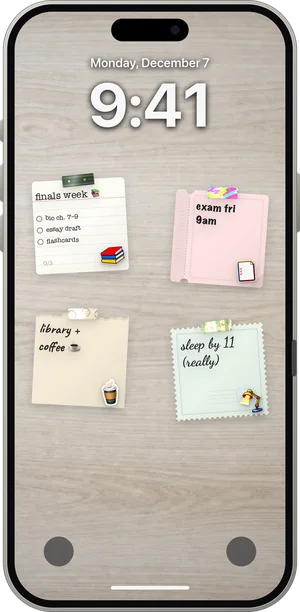
If you mainly want to put an exam-season plan on your phone, our earlier post on a study planner Lock Screen shows six layouts. This page is about building the plan itself.
How to plan your study week in 7 steps
Set aside 20–30 minutes on Sunday evening (or whichever day starts your week). You’ll need your timetable, your list of deadlines and something to write on.
Tick the steps as you go
Study planner template 1: high school week
For a student with school until mid-afternoon, homework most days and an exam or test every couple of weeks. About 1.5 hours on weekdays, a little more at the weekend, and Saturday afternoon off.
Tick the steps as you go
Study planner template 2: university week
University timetables are irregular, and independent study matters more than in school. This template assumes lectures on most weekdays, two or three modules and a mix of reading, problem sets and essays.
Tick the steps as you go
Study planner template 3: four-week exam countdown
For finals, mock exams or a big certification. The idea is to cover everything once early, then spend the remaining weeks on practice and weak spots, rather than reading notes for the first time in the last week.
Tick the steps as you go
Study planner template 4: working students
If you work part-time or full-time while studying, long evening sessions rarely survive. Short, fixed slots that fit around work are more reliable than big plans.
Tick the steps as you go
Study planner template 5: one focused study day
For a day off school or a full revision day before an exam. Studying for eight hours straight rarely works; this template packs about four to five hours of real focus into a day that still has breaks, meals and a walk.
Tick the steps as you go
How to stick to your study plan
Even a great study timetable falls apart without a few habits around it. These are the ones that make the biggest difference.
Start each block with the first five minutes only. Getting started is the hardest part. Promise yourself five minutes; most of the time you’ll keep going.
Put the phone out of reach. Not face down on the desk; in another room or a drawer. Focus modes help too.
Use a timer. Knowing a break is coming in 25 or 50 minutes makes it easier to stay with a hard task. Our guide to time management methods explains Pomodoro, time blocking and timeboxing.
Move, don’t delete. If a block is missed, move it to the buffer slot rather than giving up on the week.
Review every week. Ten minutes on Sunday to see what worked and adjust the next week is what turns a template into your plan. Our productivity tips have more ideas for planning that sticks.
Put your study plan on your Lock Screen with DailyWall
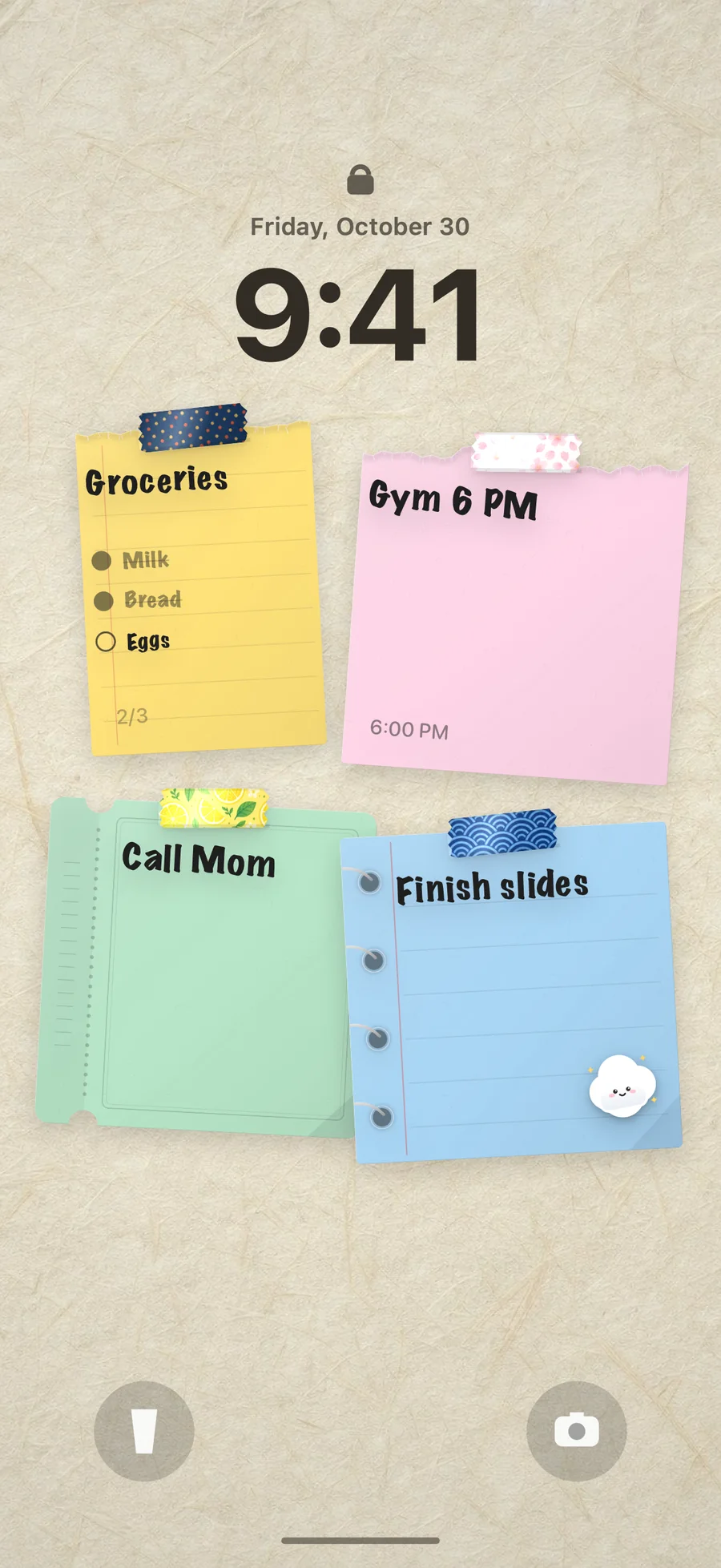
We don’t offer a printable PDF, and honestly you may not need one. A plan you look at forty times a day works better than one on a sheet of paper in your bag. That’s the idea behind DailyWall: an iPhone and iPad app where every day has its own wall of paper notes, and that wall becomes your Lock Screen wallpaper through a Shortcuts automation you set up once.
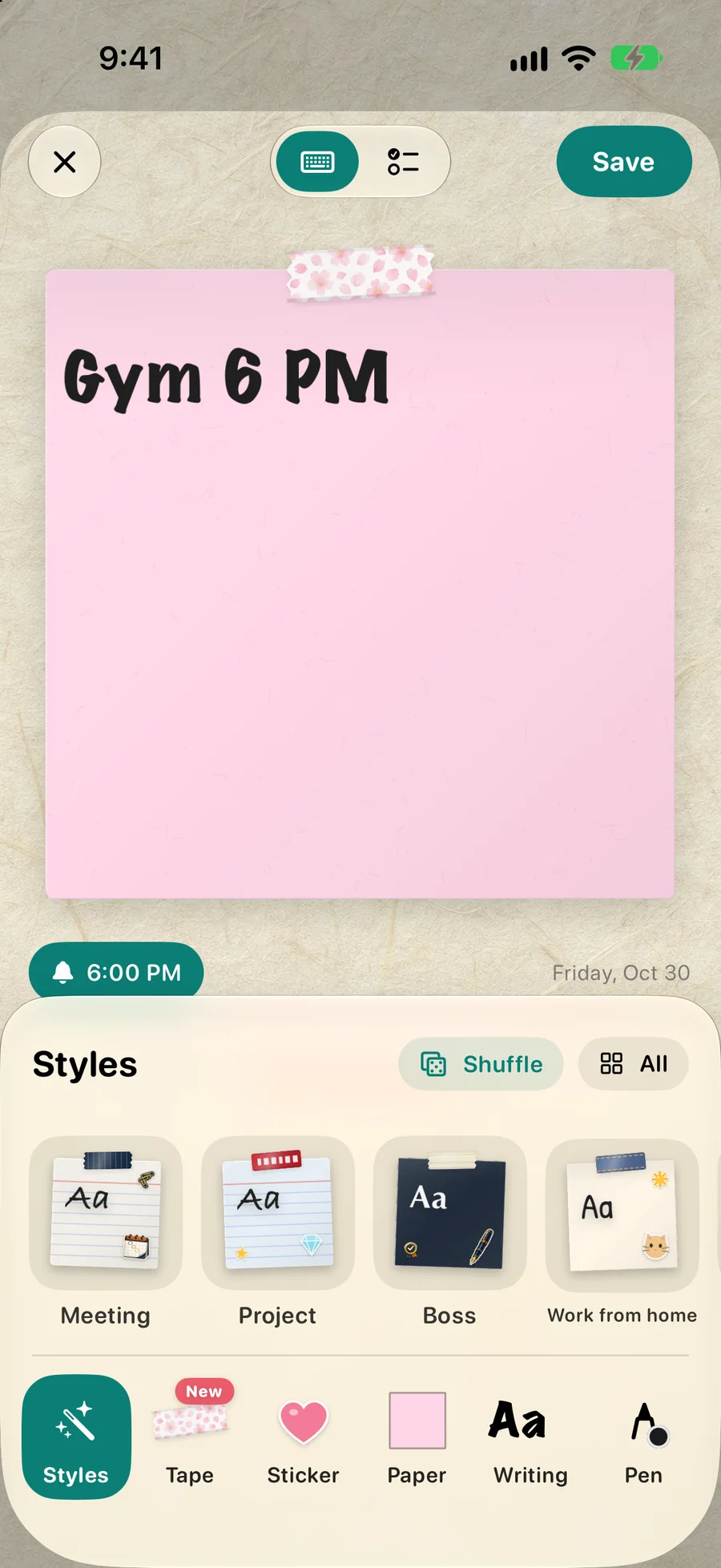
Write each day’s study blocks on that day’s wall, add a time and a reminder to the notes that need one, and use repeating notes for regular slots like “Sunday 18:00 weekly review”. A Focus block habit fills one dot for each finished block, with 25, 50 or 90-minute blocks to choose from. For exam season, the ready-made Exam week and Exam countdown walls give you a starting layout to rewrite. Want to try the idea without the app first? The free to-do list wallpaper maker turns your plan into a Lock Screen wallpaper in your browser; it just won’t update by itself.
Tick the steps as you go
Questions people ask
How do I make a study planner?
List your fixed commitments and deadlines, count your realistic free hours, split them into 25–50 minute blocks, and give each block one subject and one concrete task. Add a buffer slot and a weekly review.
How many hours a day should I study?
It depends on your level and schedule. Many school students manage 1–3 focused hours on a school day; a full revision day might hold 4–5 hours of real focus. Consistent shorter sessions usually beat occasional marathons.
What should a weekly study planner include?
Fixed commitments, deadlines and exams, study blocks with a subject and a specific task, breaks, one buffer slot and a short weekly review.
Is a digital or paper study planner better?
Whichever you look at most. Paper is great for planning; a phone is better for reminders and for seeing today’s blocks during the day. Many students plan on paper on Sunday and keep today’s plan on their phone.
How do I plan a study schedule for exams?
Start about four weeks ahead. Rate every topic, cover weak topics first, finish a full first pass by week three, then switch to timed practice and past papers, with short daily flashcard reviews throughout.
What is the best study block length?
25 minutes with a 5-minute break is a good start, especially for hard subjects. Once that feels easy, try 50 minutes with a 10-minute break for essays and longer problems.