Your day, on a wall.

A to-do list isn't a list — it's paper you stick on a wall. Write it, draw it, tape it up. In the evening your wall becomes your Lock Screen.

Coming soon to the App Store

iPhone · iPad · Apple Watch · iOS 17 and later

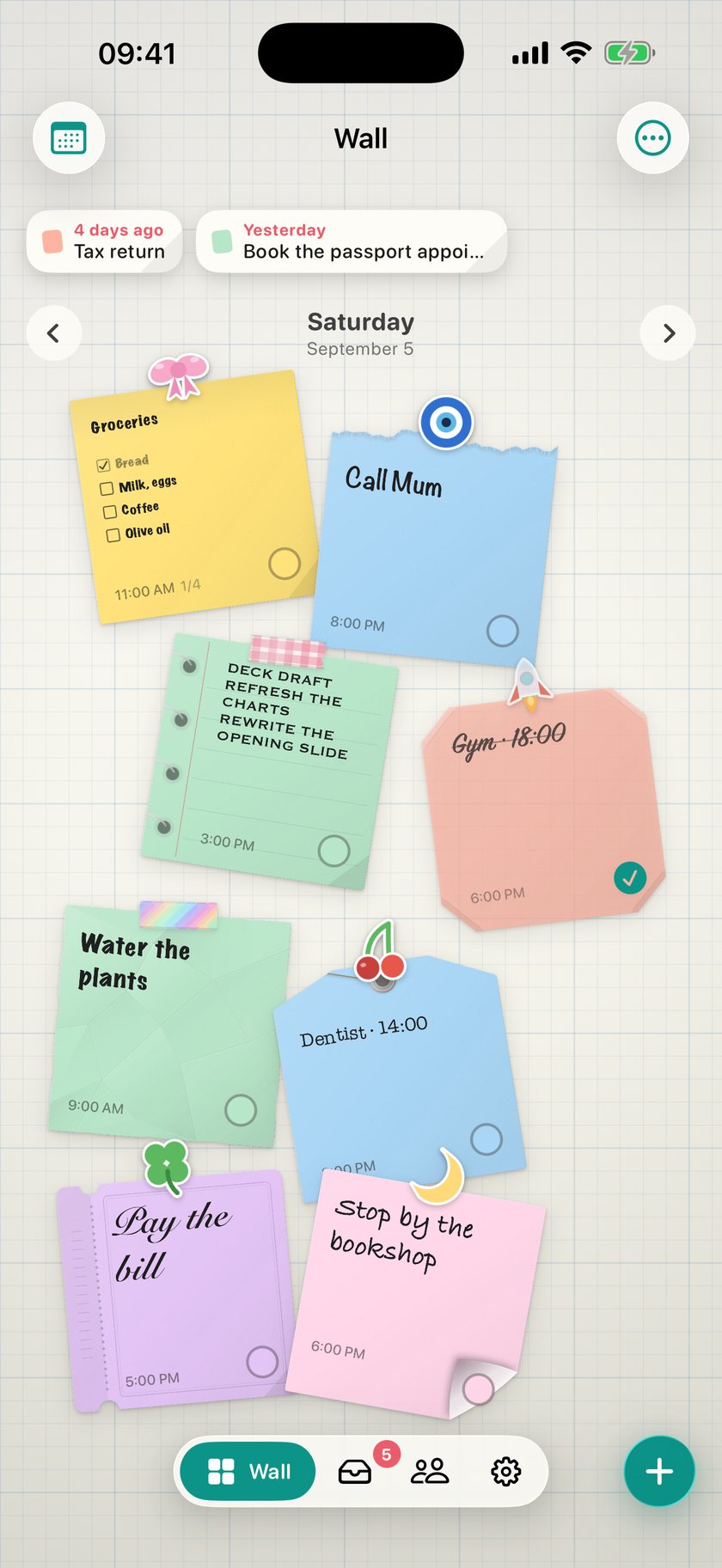
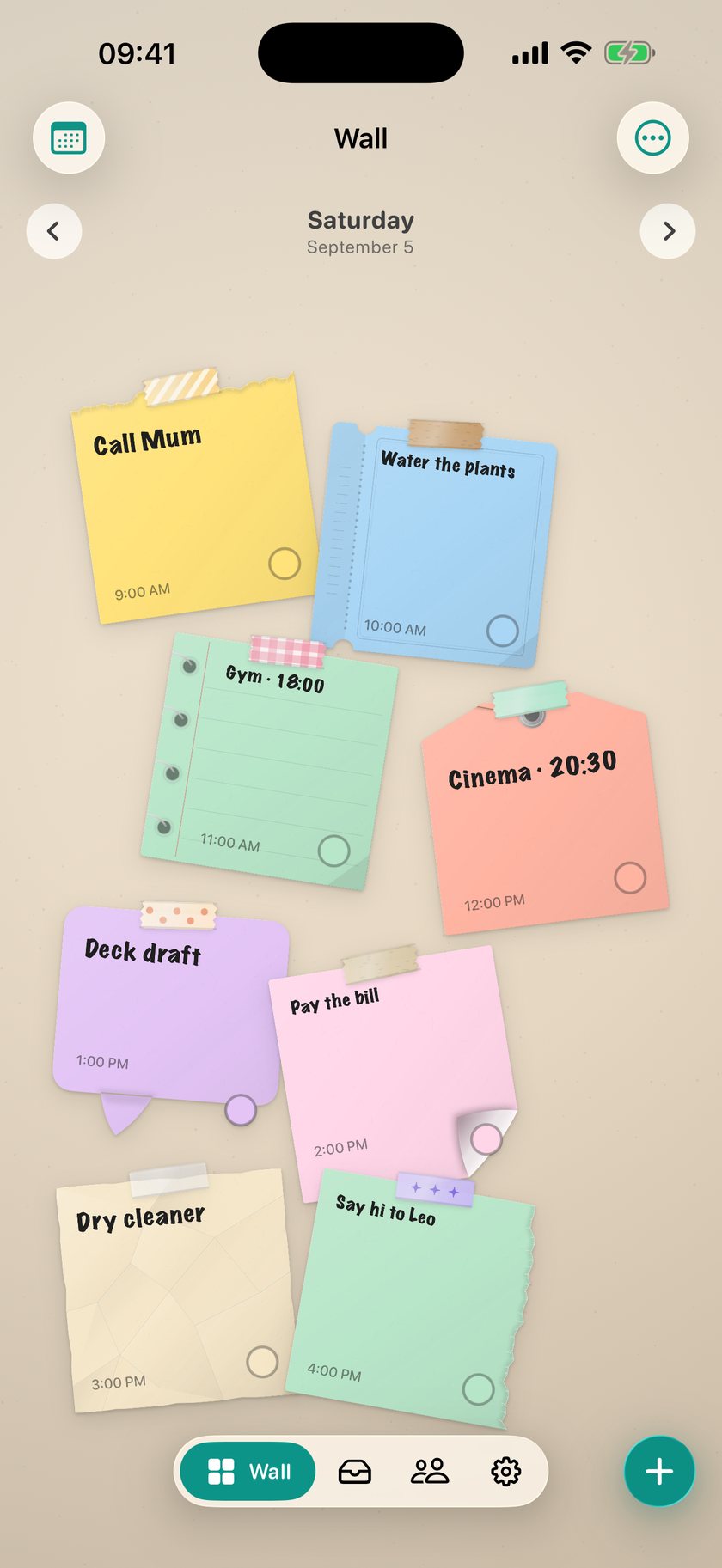
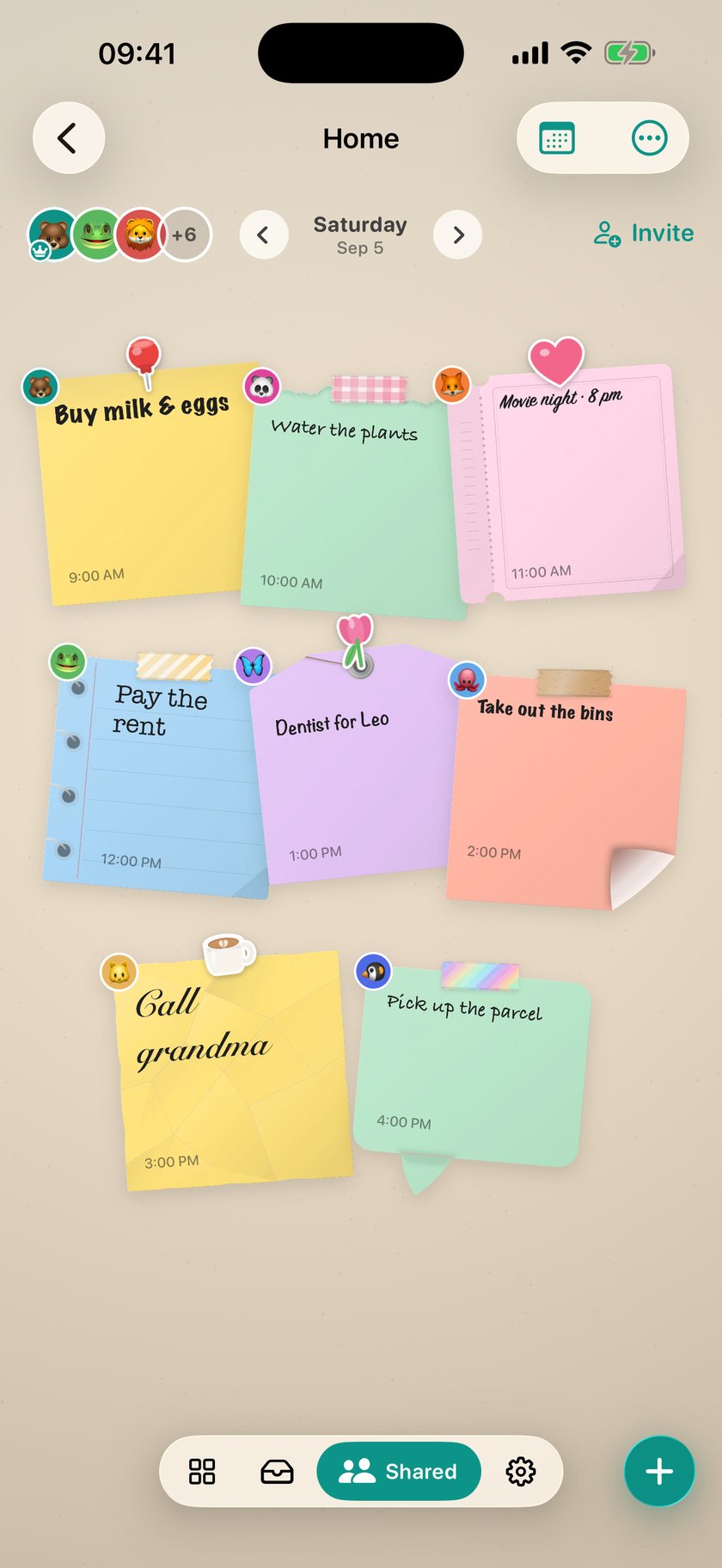
A wall in DailyWall: six colourful notes taped up, one of them a shopping list

How it works

Three steps, then it runs itself.

1

Tap an empty spot

A sheet of paper opens. Type on it, or draw with a pencil — both live on the same sheet.

2

Hang it where you like

Drag it, turn it with two fingers, pick its colour and its tape. The arrangement is yours.

3

Let it reach your Lock Screen

Set it up once; every time you leave the app, that day's wall takes over.

Lock Screen

Your wall, every time you pick up your phone.

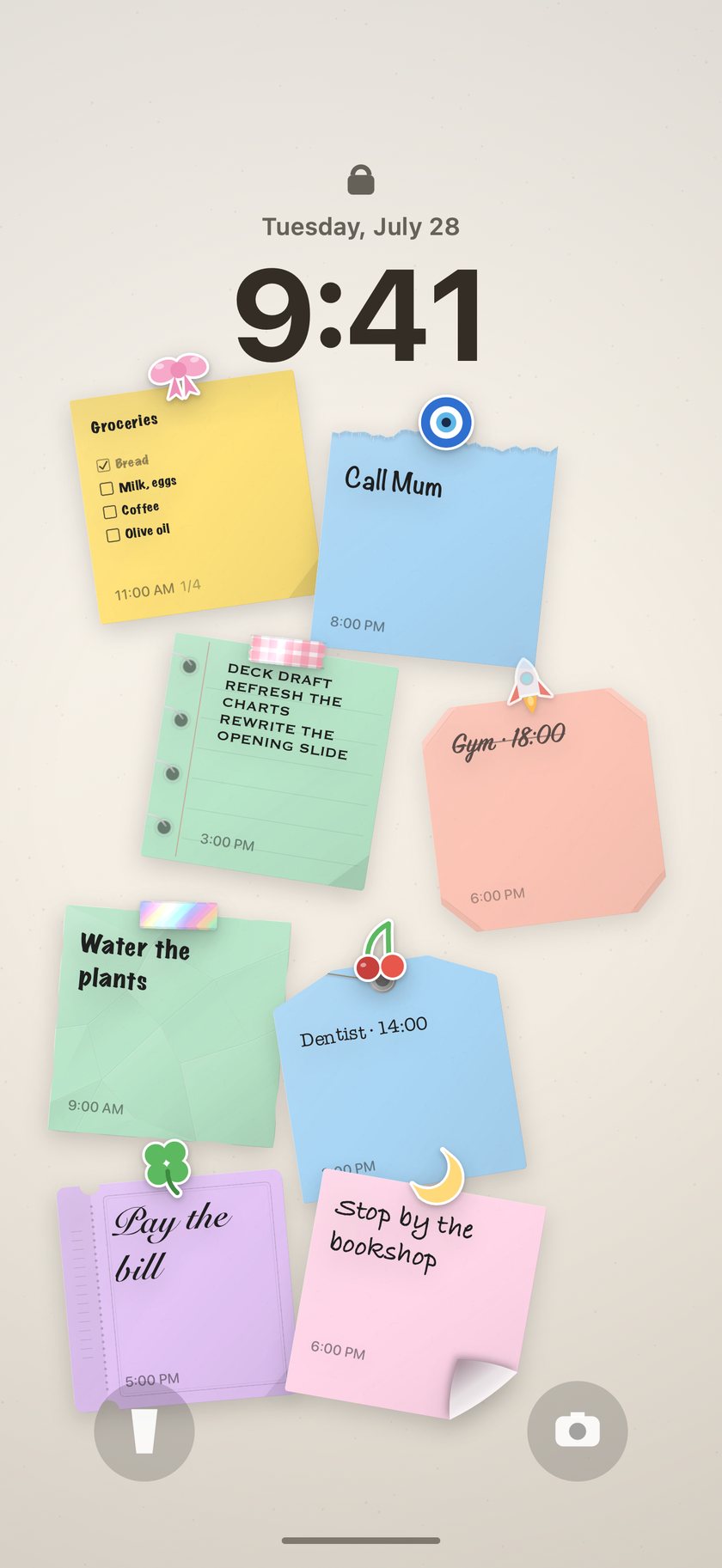
The day's wall becomes your Lock Screen wallpaper — the same paper, in the same places, at the same size. The picture beside this isn't a mockup: it is the real wallpaper the app produces.

Pixel for pixel

The Lock Screen is a copy of the wall in the app. Nothing is rescaled, shifted or cropped.

Your gallery stays clean

DailyWall never writes to Photos on its own, and never deletes anything.

Hands off

A Shortcuts automation swaps in today's wall every time you leave the app.

The same wall as a Lock Screen wallpaper

The real wallpaper the app produces

Paper

Paper that behaves like paper.

A note isn't a line of text, it's a surface. You choose its shape, its colour, its tape and its handwriting — and when the paper is full, it is genuinely full.

Type it or draw it

Use the keyboard, then draw over it with Apple Pencil or a finger. The words don't vanish — both layers stay.

12 paper shapes

Torn edges, notebook pages, tickets, tags, curled corners. All drawn, so nothing ever goes soft.

19 tapes

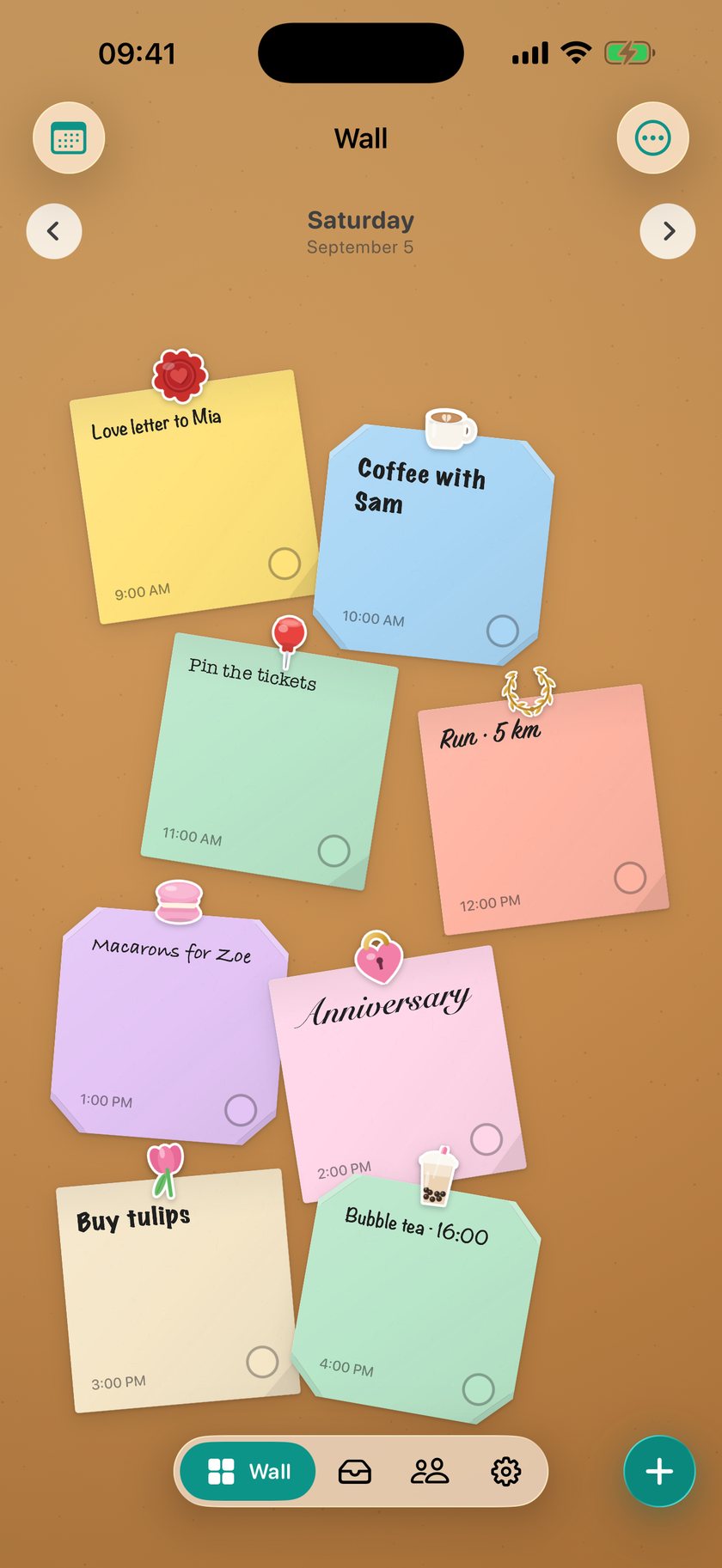
Washi, kraft, polka dot, hearts, stars, hazard stripe. Every note goes up with its own.

8 hands

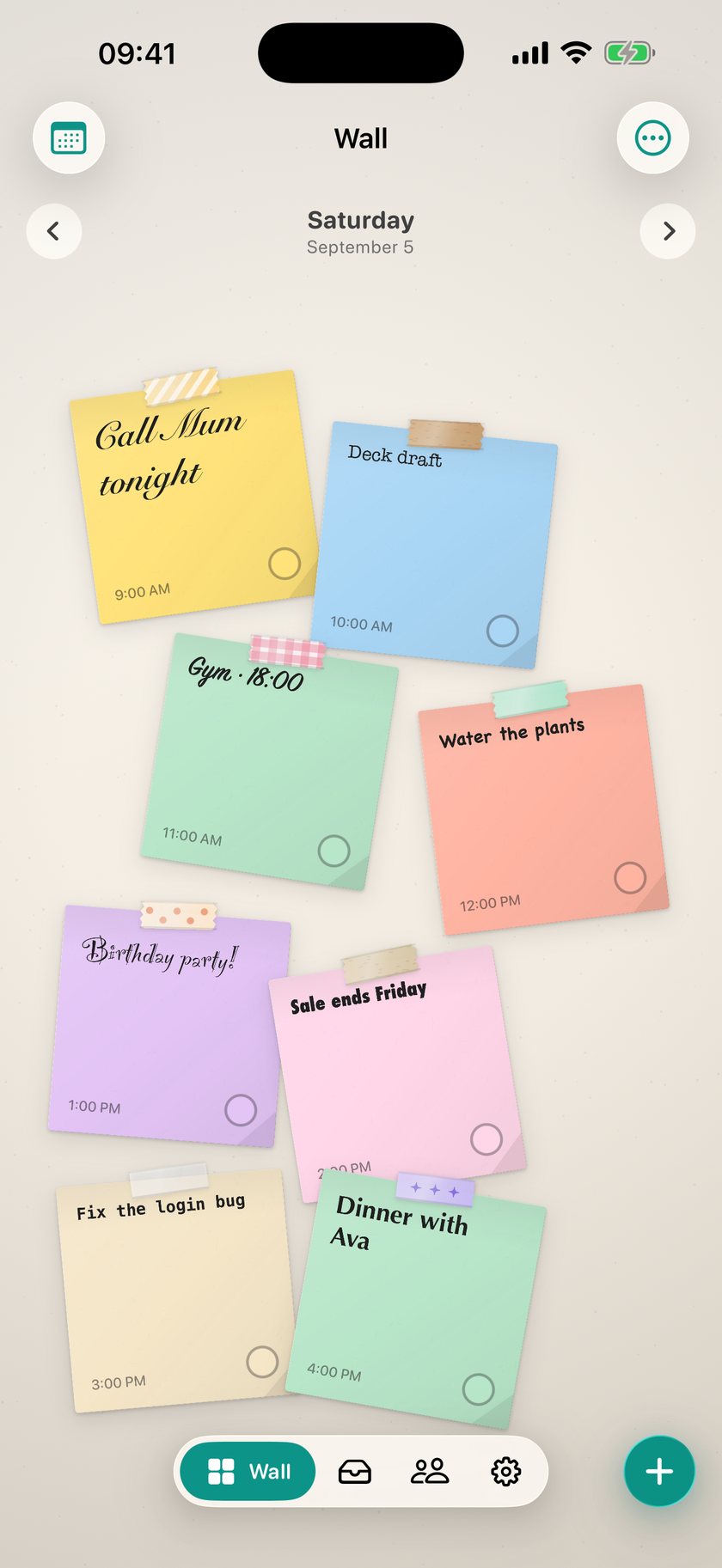
Ballpoint, pencil, marker, calligraphy, typewriter, brush, architect. Each note in its own hand.

List paper

A heading, items, a tick box beside each one. You tick them off on the paper itself.

Times and reminders

Give a note a time and your device schedules it. Repeating things roll forward on their own.

Paper shapes

Tapes

Walls

You choose the surface too.

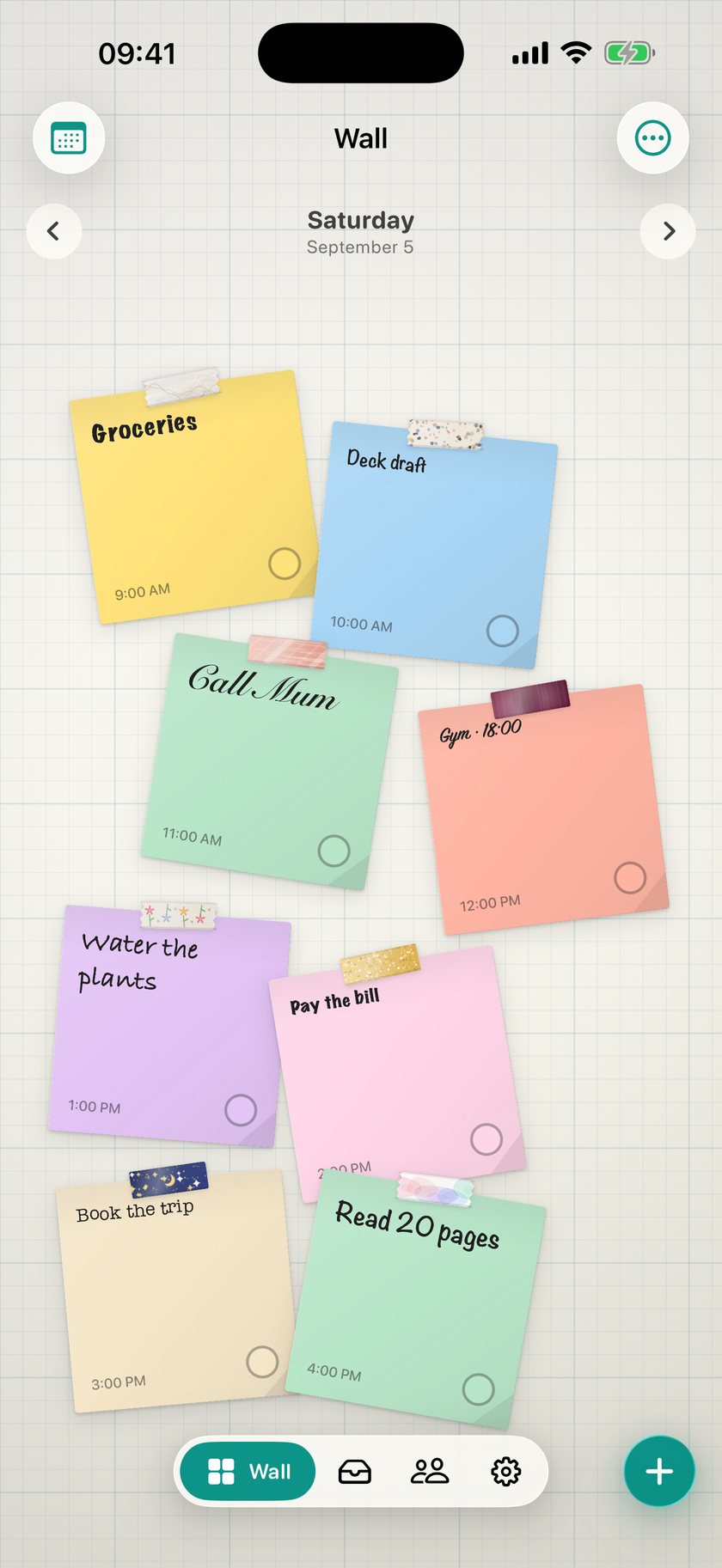
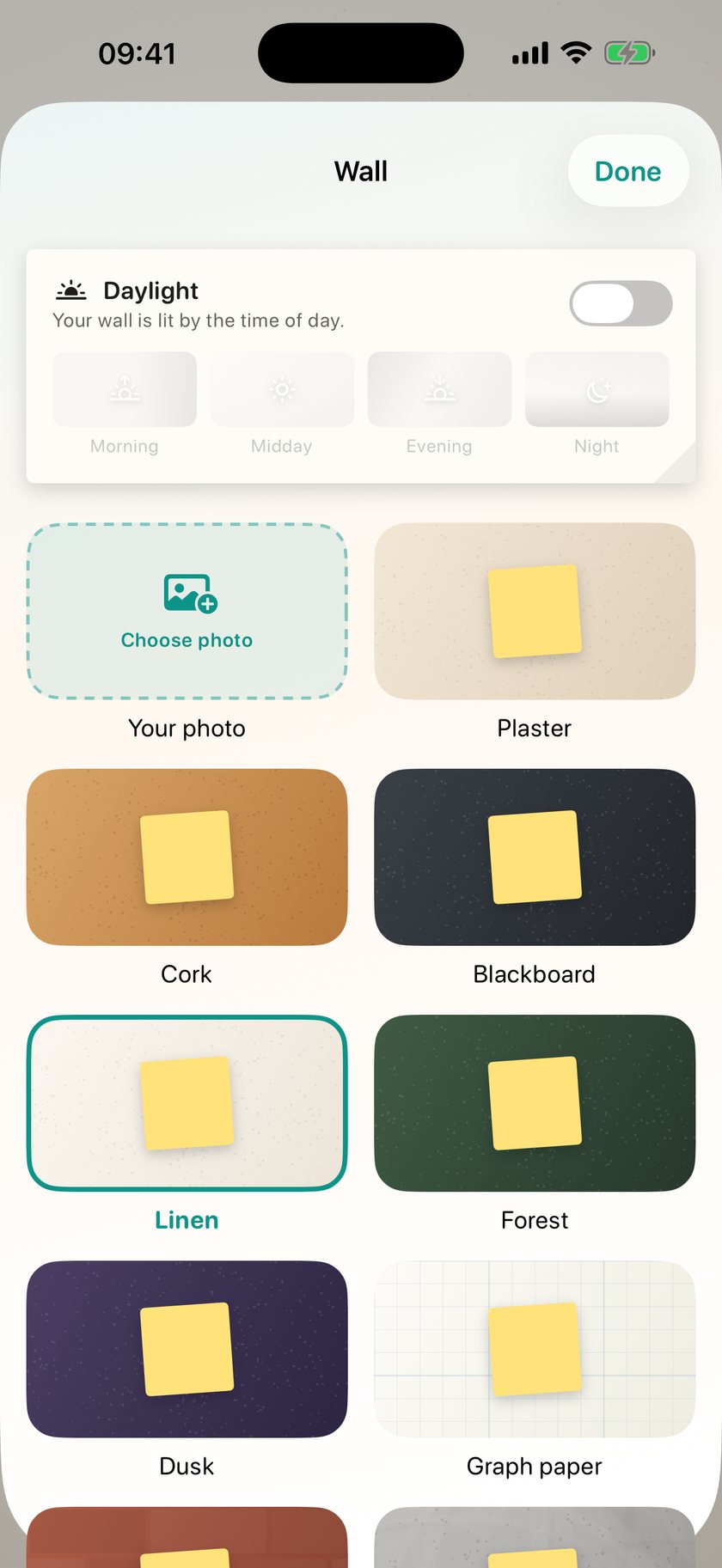
Fifteen walls. Whichever you pick, the whole app follows it — tabs, cards, and the Lock Screen wallpaper. Or make a photo of your own the wall.

Plaster
Cork
Blackboard
Linen
Forest
Dusk
Graph
Brick
Concrete

Everywhere

Write on iPhone, draw on iPad, tick on your wrist.

iPhone and iPad

On iPad the wall grows and so do the notes. Built for writing with Apple Pencil.

Apple Watch

What's left of the day, on your wrist. Check the complication, tick without leaving the face.

iCloud backup

Your walls sync through your own iCloud account. There's no account to create.

A wall calendar

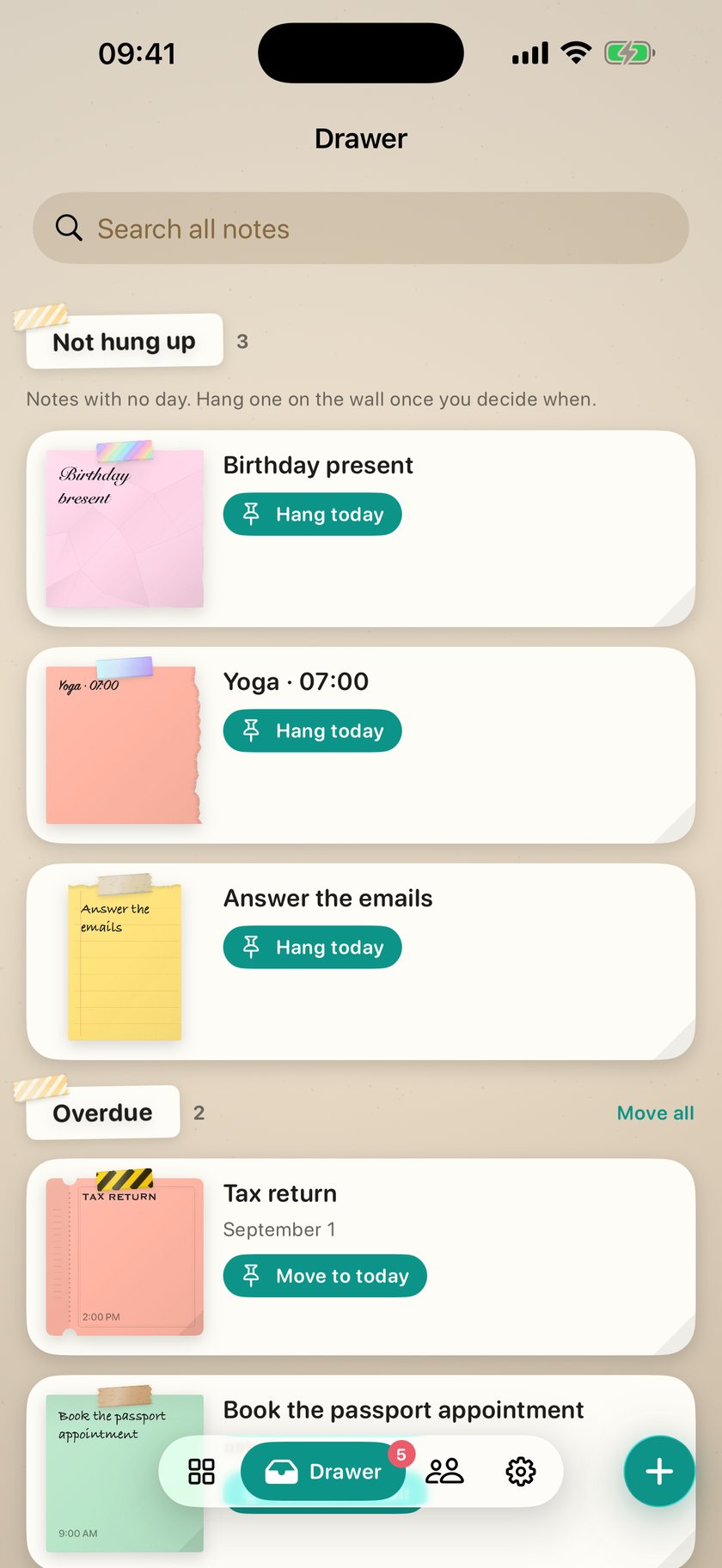
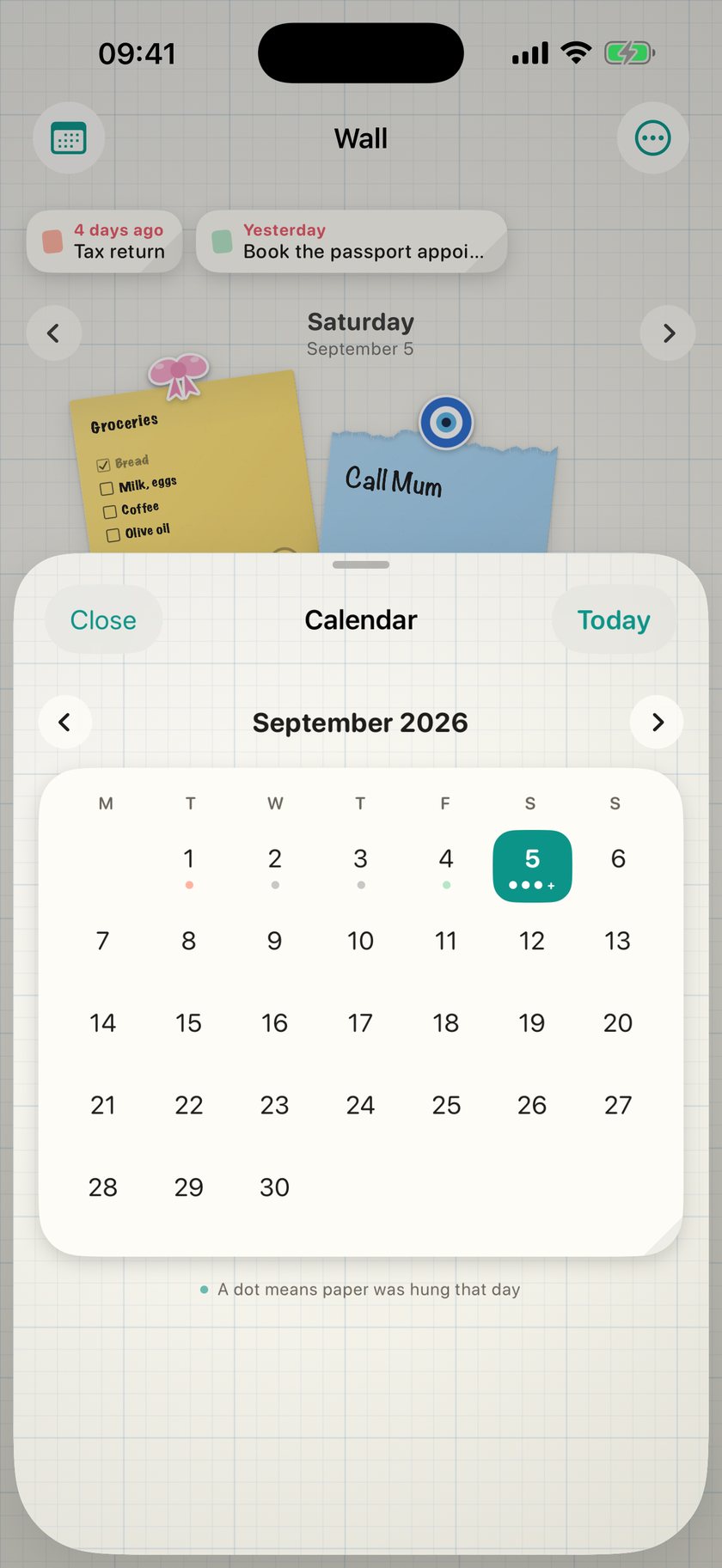
Every day has its own wall. Swipe back to see yesterday; move what's left to today.

Smart add

Type "dentist tomorrow at 2" and let it work out the date, the time and the items.

Widgets and controls

Your list on the Home Screen, quick add on the Lock Screen. Tick things off without opening the app.

Privacy

What you write is yours. We hold no record of you.

There is no account to create. Your notes live on your device and in your own iCloud account, where we cannot reach them.

  • No account. No sign-up, no email address.
  • No tracking. No analytics, no ad network, no third-party SDK.
  • Hands off your photos. Nothing is written to your library unless you press the button.
  • One thing leaves the device — the line you type in smart add. Anonymous, and never stored.

Read the full privacy policy →

Pricing

Three days free. Walk away if it isn't for you.

Monthly
€2.99
3-day free trial
6 months
€11.49
€1.92 / month
Yearly
€19.49
€1.62 / month

Prices are localised for your country; the App Store shows them in your own currency. A subscription renews automatically unless it is cancelled at least 24 hours before the current period ends. You can cancel any time in Settings → Apple Account → Subscriptions on your iPhone. You can create one card without subscribing.

FAQ

Questions people ask.

Can my wall really become my Lock Screen?

Yes — but iOS doesn't let any app change the wallpaper directly. DailyWall renders the wall as an image and hands it to Shortcuts; you set up one automation and it runs itself after that. The app walks you through it step by step.

Will pictures pile up in my photo library?

No. DailyWall never writes to Photos on its own and never deletes anything. A copy is saved only if you press "Save to Photos" yourself.

Do I need an Apple Pencil?

No — you can draw with a finger. But it was built for writing with a Pencil on iPad: the paper, the ink and the eraser all behave like a real notebook.

Does it work offline?

Yes. Writing, drawing, ticking things off and the Lock Screen wallpaper all work with no connection. Only smart add (turning plain language into a date) needs one — and without it the app falls back to its own rule-based parser.

Do my notes reach my other devices?

If iCloud is on, yes — through your own iCloud account. There is no separate account to create, and we cannot reach that data.

Can I use it without subscribing?

You can create one card. Filling your wall, the Lock Screen wallpaper, unlimited handwriting and every paper and tape need a subscription. The monthly plan comes with a three-day free trial; cancel before it ends and you are not charged.